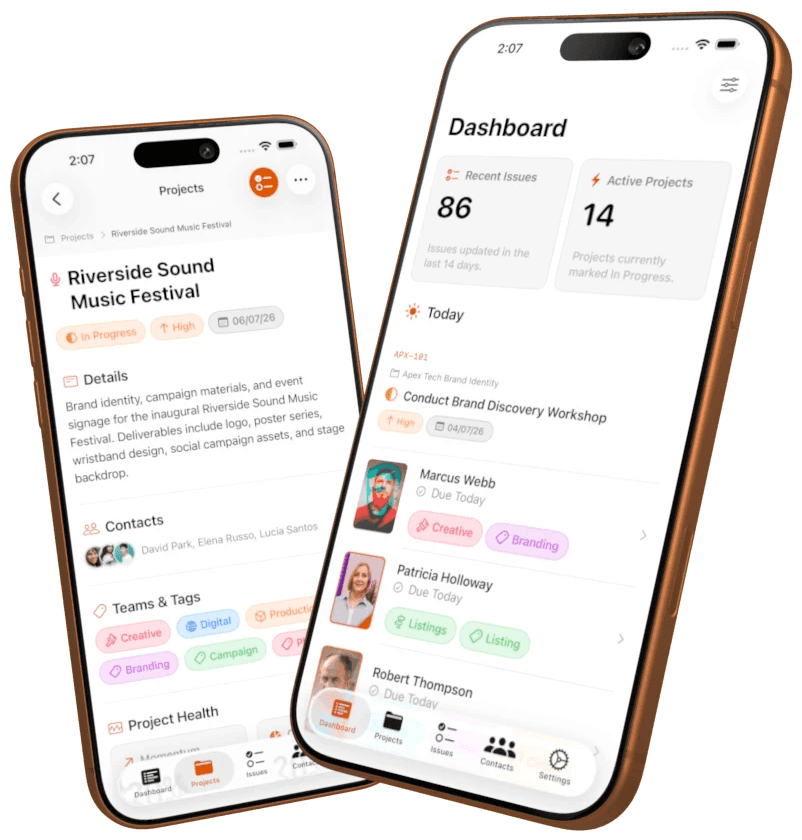
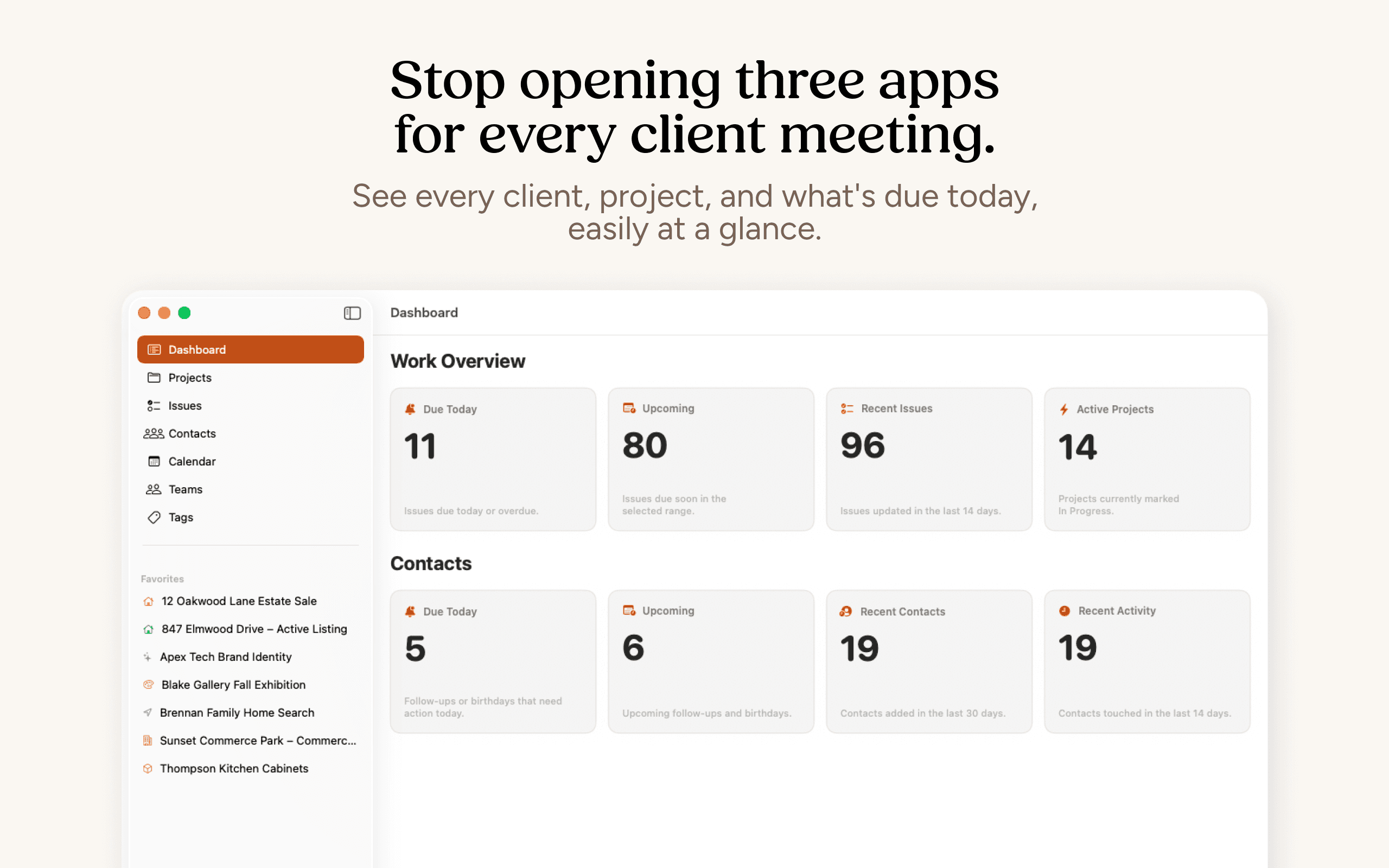
Stop opening three apps every time a client calls.
Clients keeps your contacts, notes, and projects in one app, so you always know the status before you pick up the phone, go into a meeting, or answer that email.
THE PROBLEM
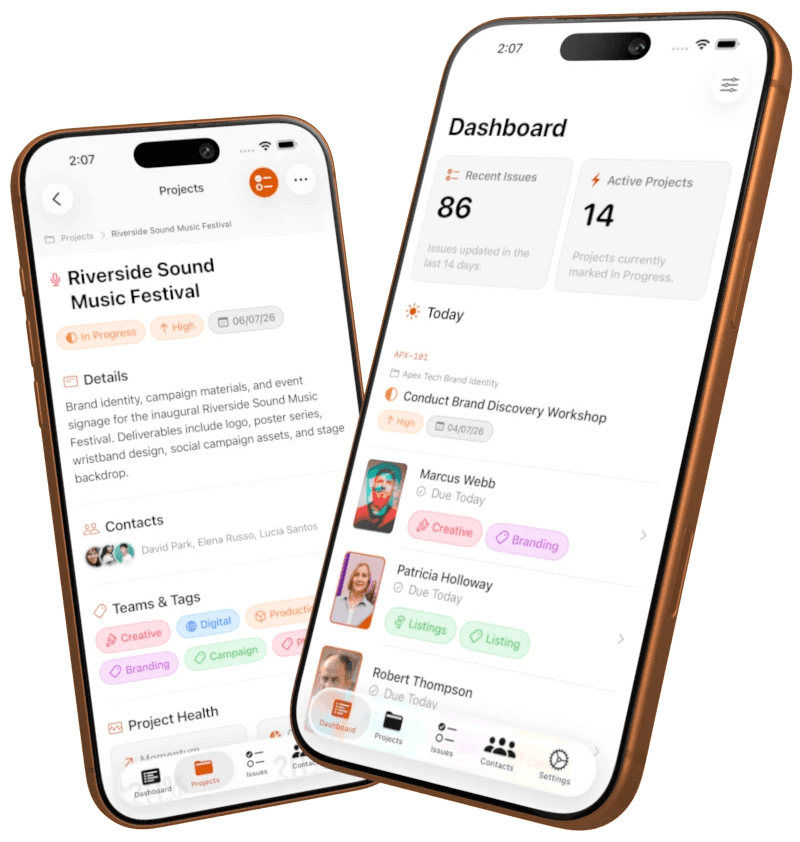
You already have the information. The problem is that it is disconnected.
Your information is probably split across notes, contacts, and a project app. For professionals, that's a problem.
THE SOLUTION
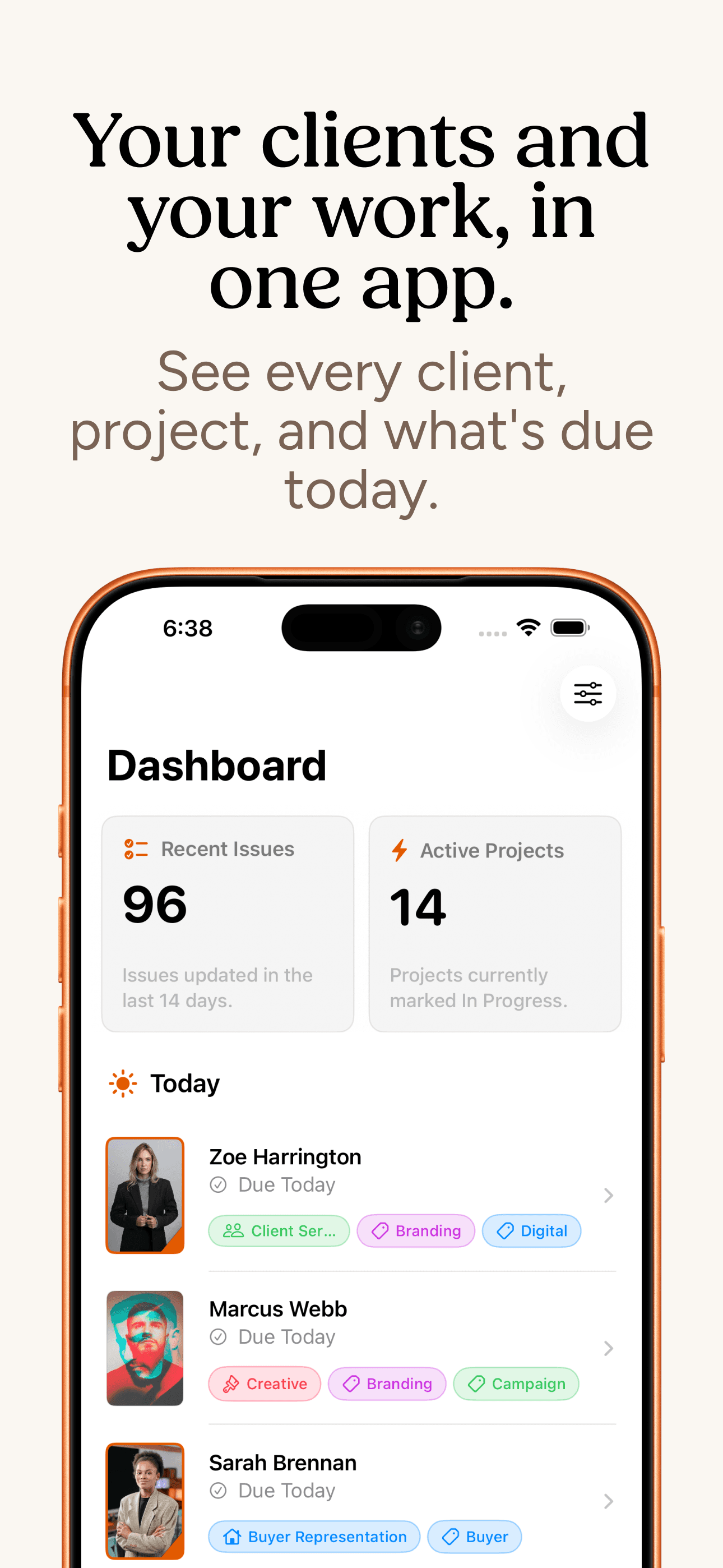
Your contacts and your work, in one app.
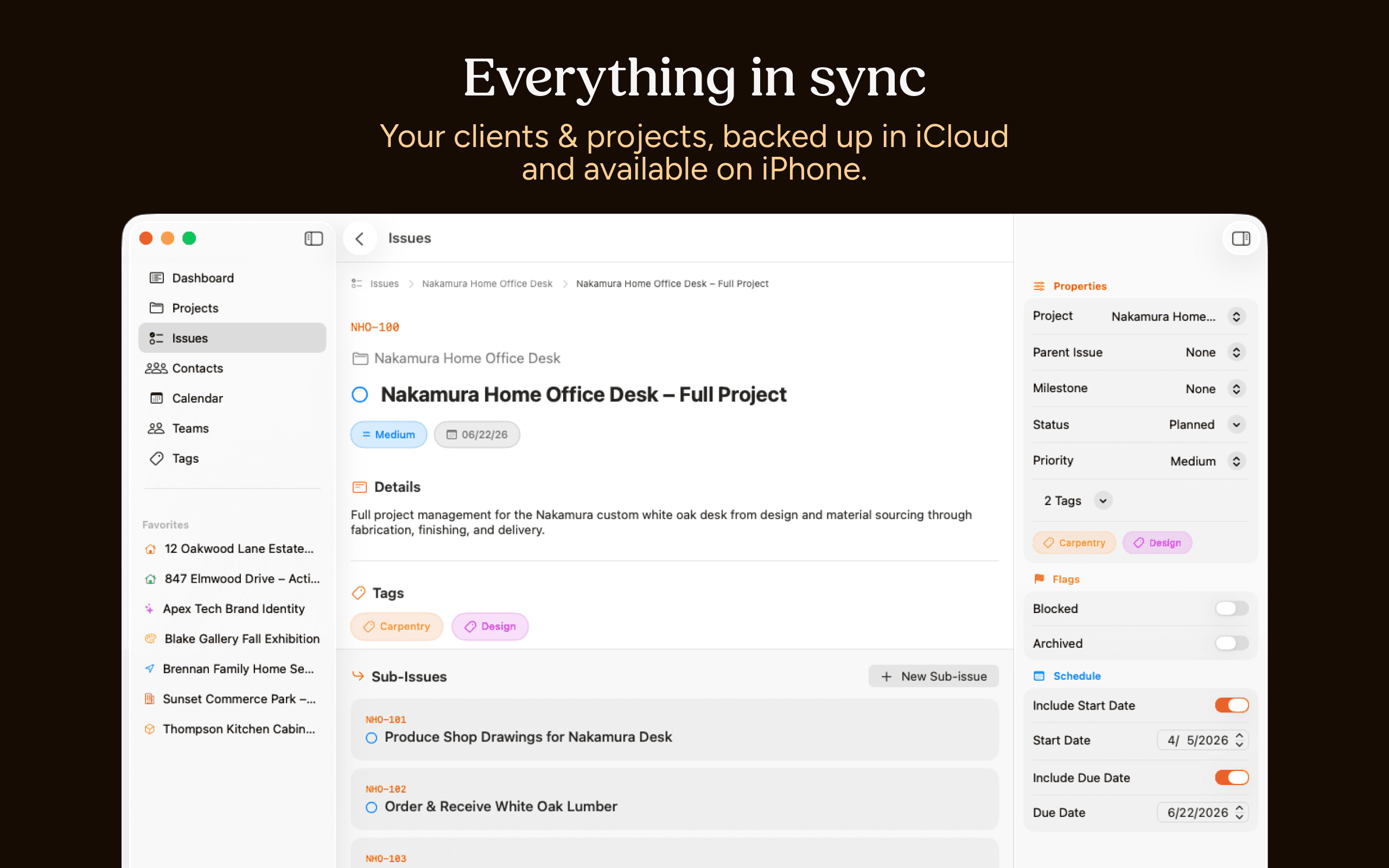
Clients is a native iPhone and Mac app that connects your client history, follow-ups, and projects in one place so you have the everything you need in one app.
FEATURES
Built for real work, not a feature list.
Connections & Relationships
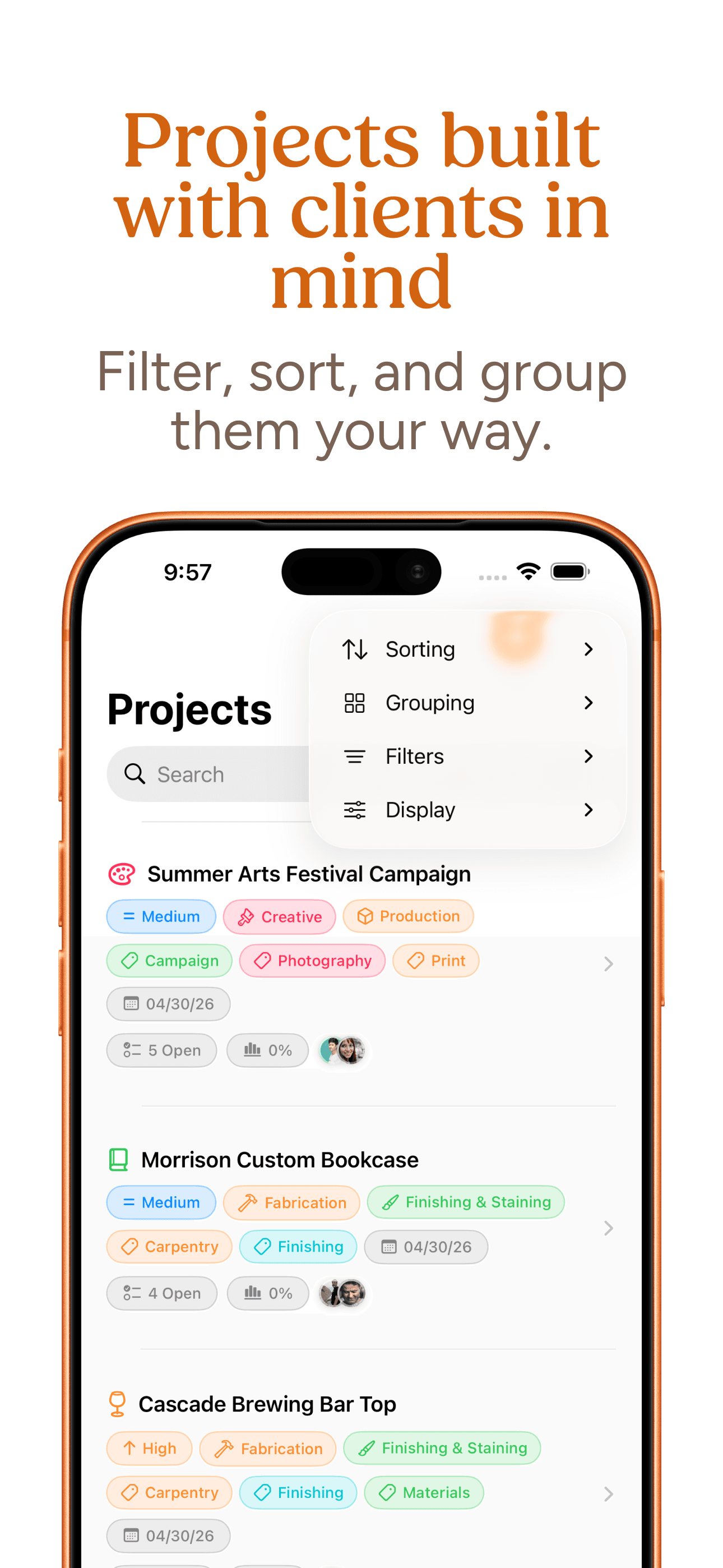
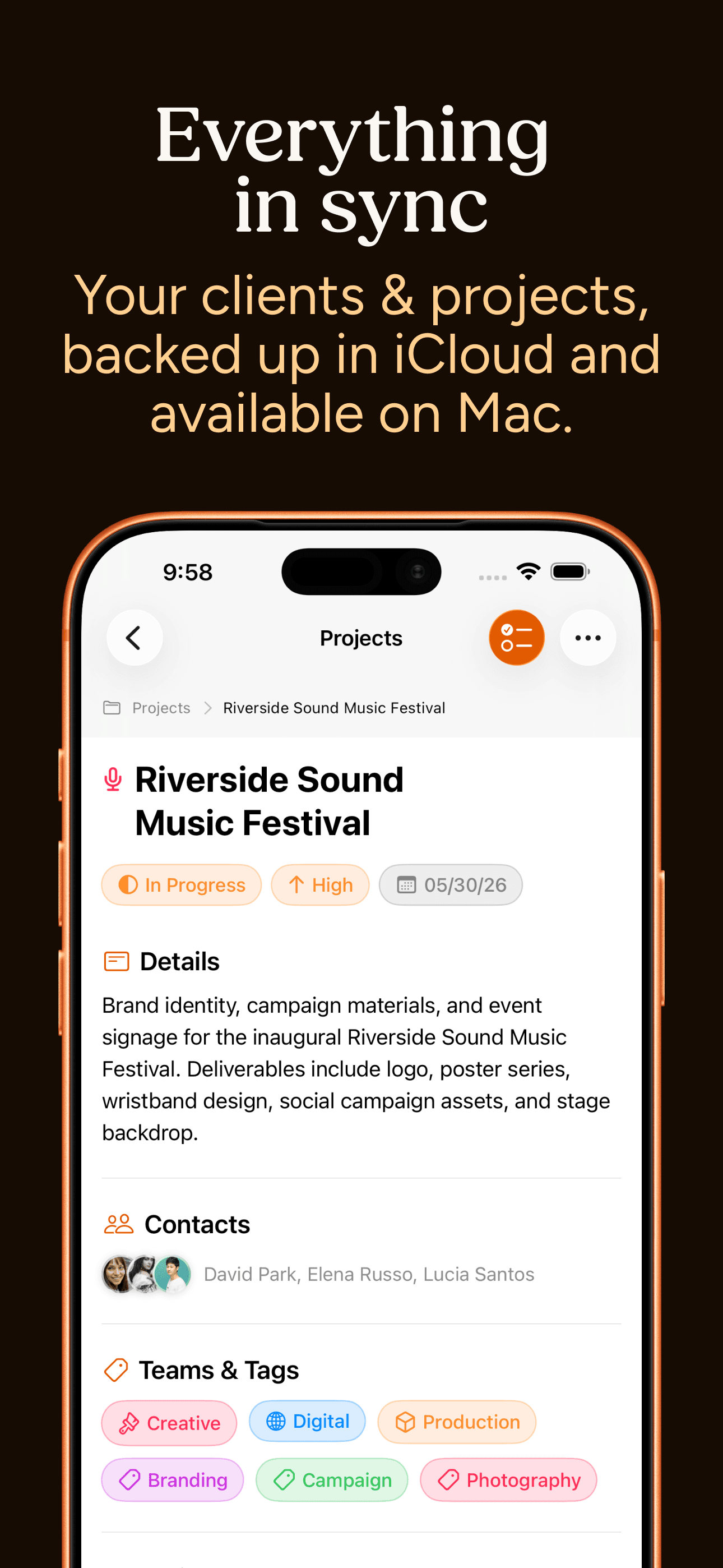
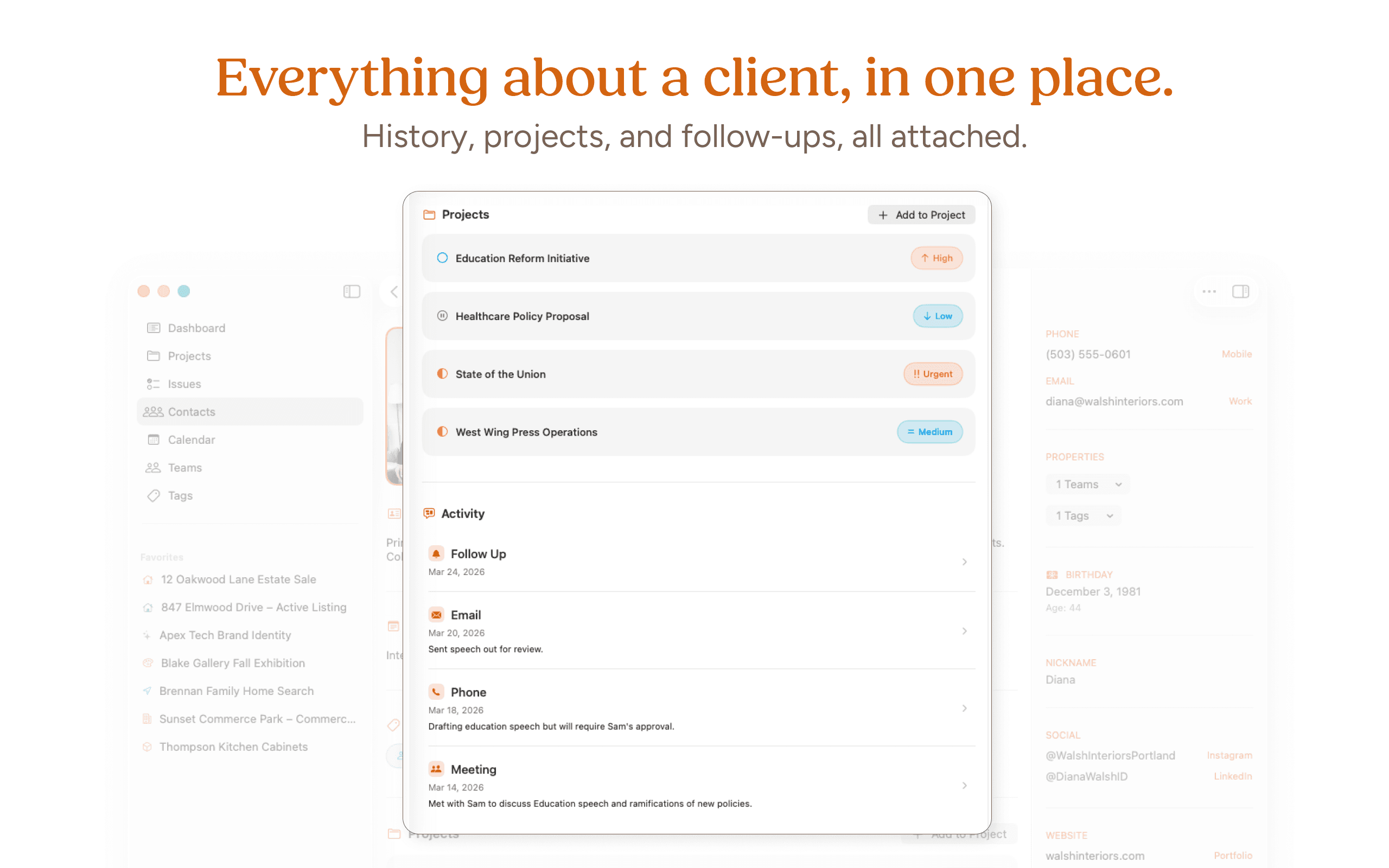
Clients are directly attached to their projects allowing you to see what's due and when at all times.
Projects & Organization
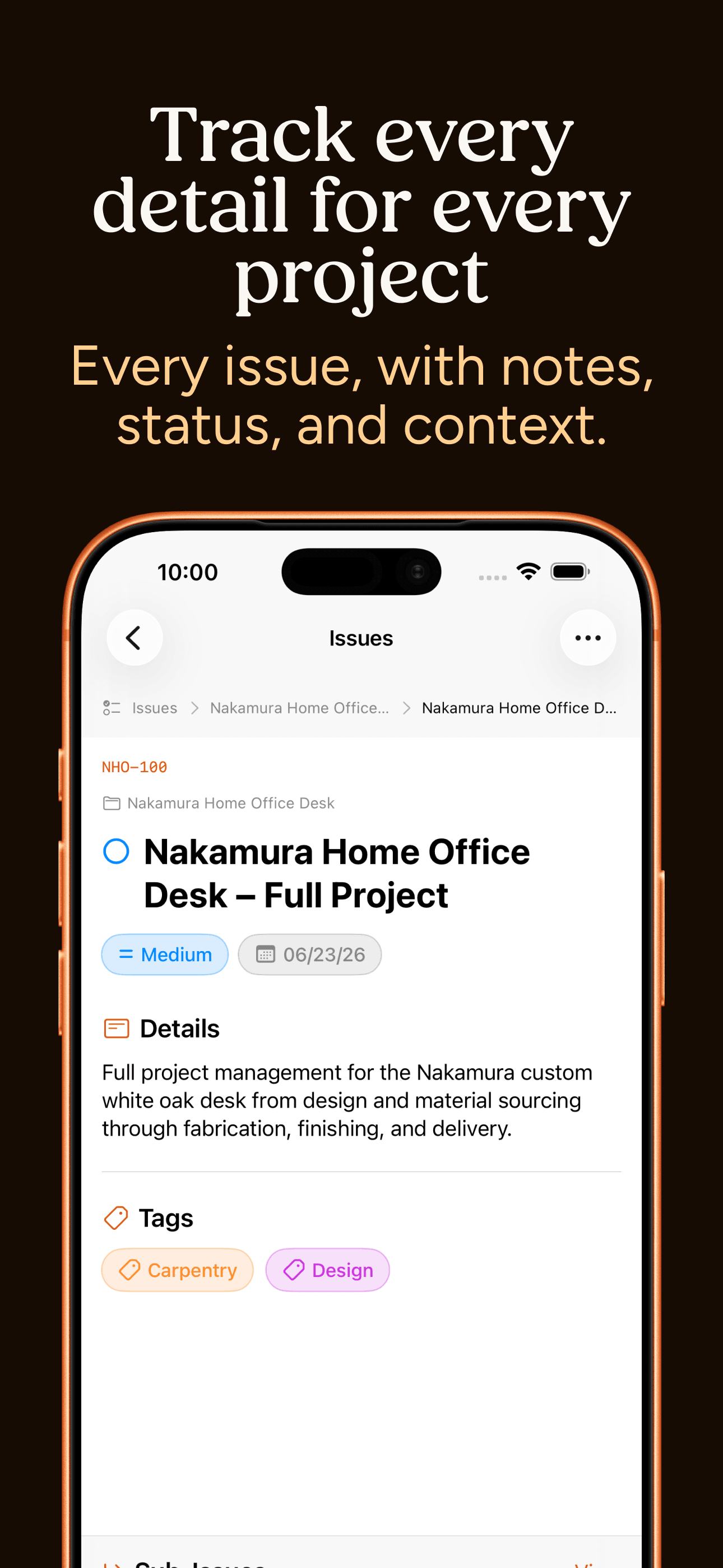
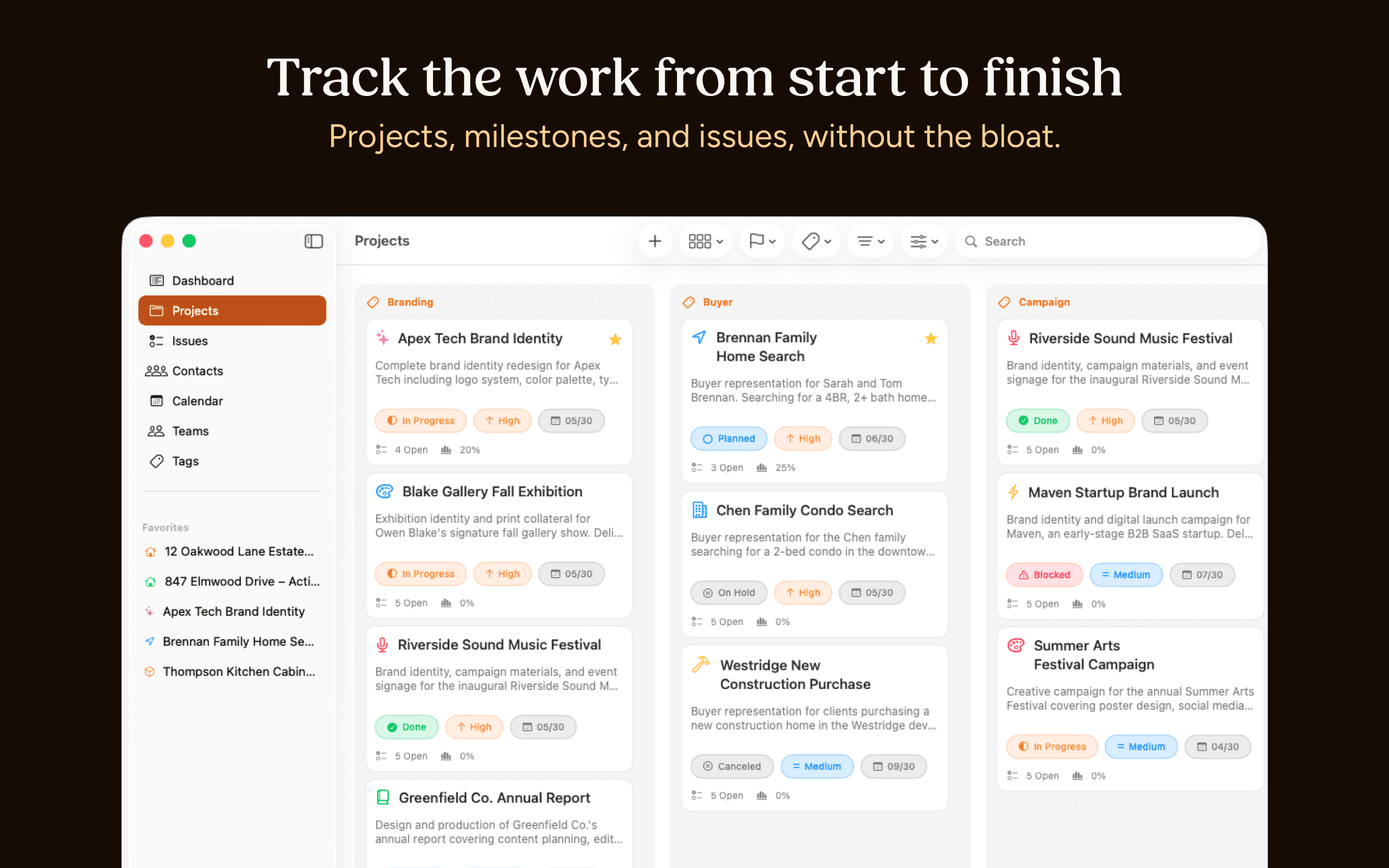
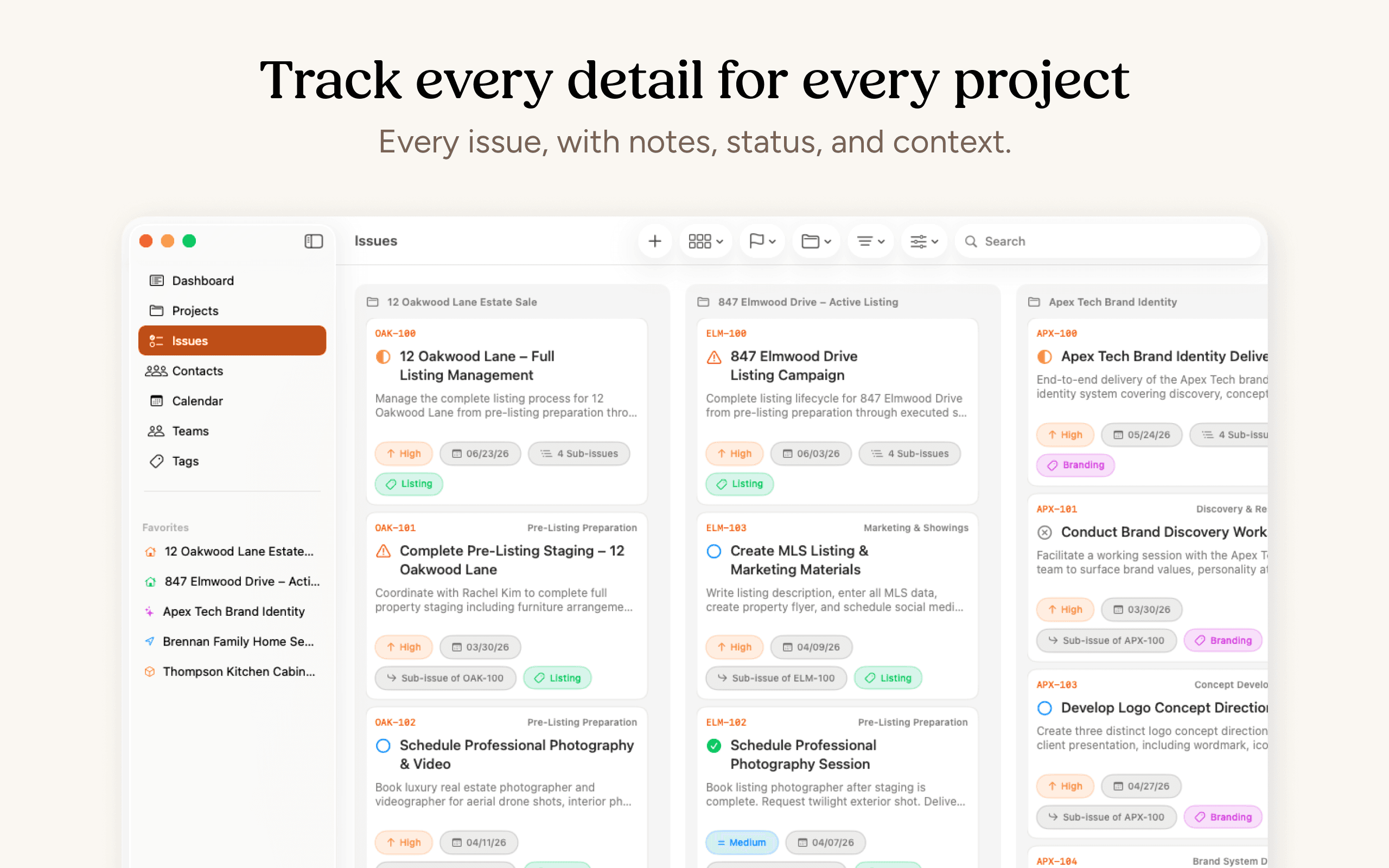
Track every project, milestone, and issue easily with Teams, Tags, and more.
Client History
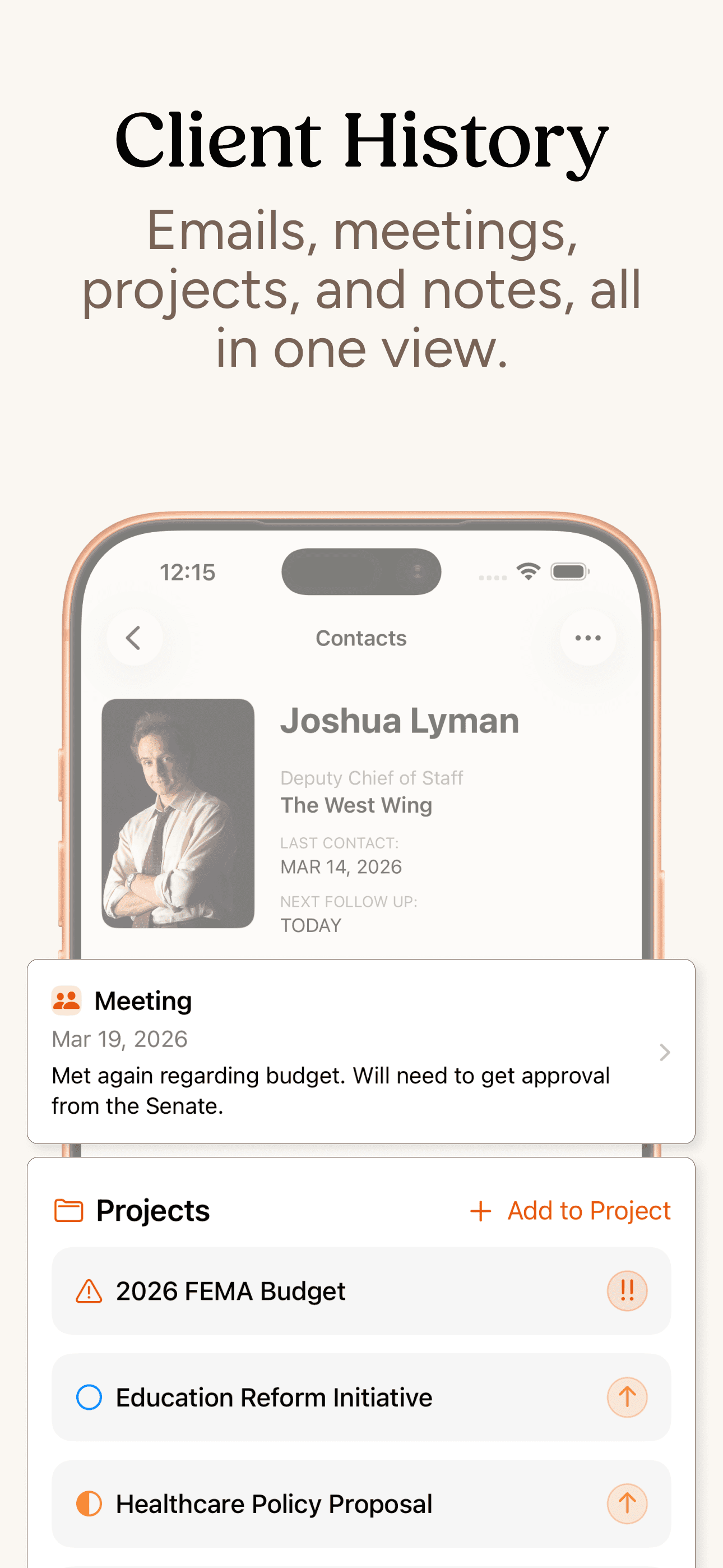
Log every call, meeting, or email as they happen. Every client has a running timeline so you always know what was said and what's next, before you reach out.
Notifications
Set a follow-up from any conversation. It stays attached to the client, not buried in a to-do list without context. You won't drop the ball on a callback again.
Calendar View
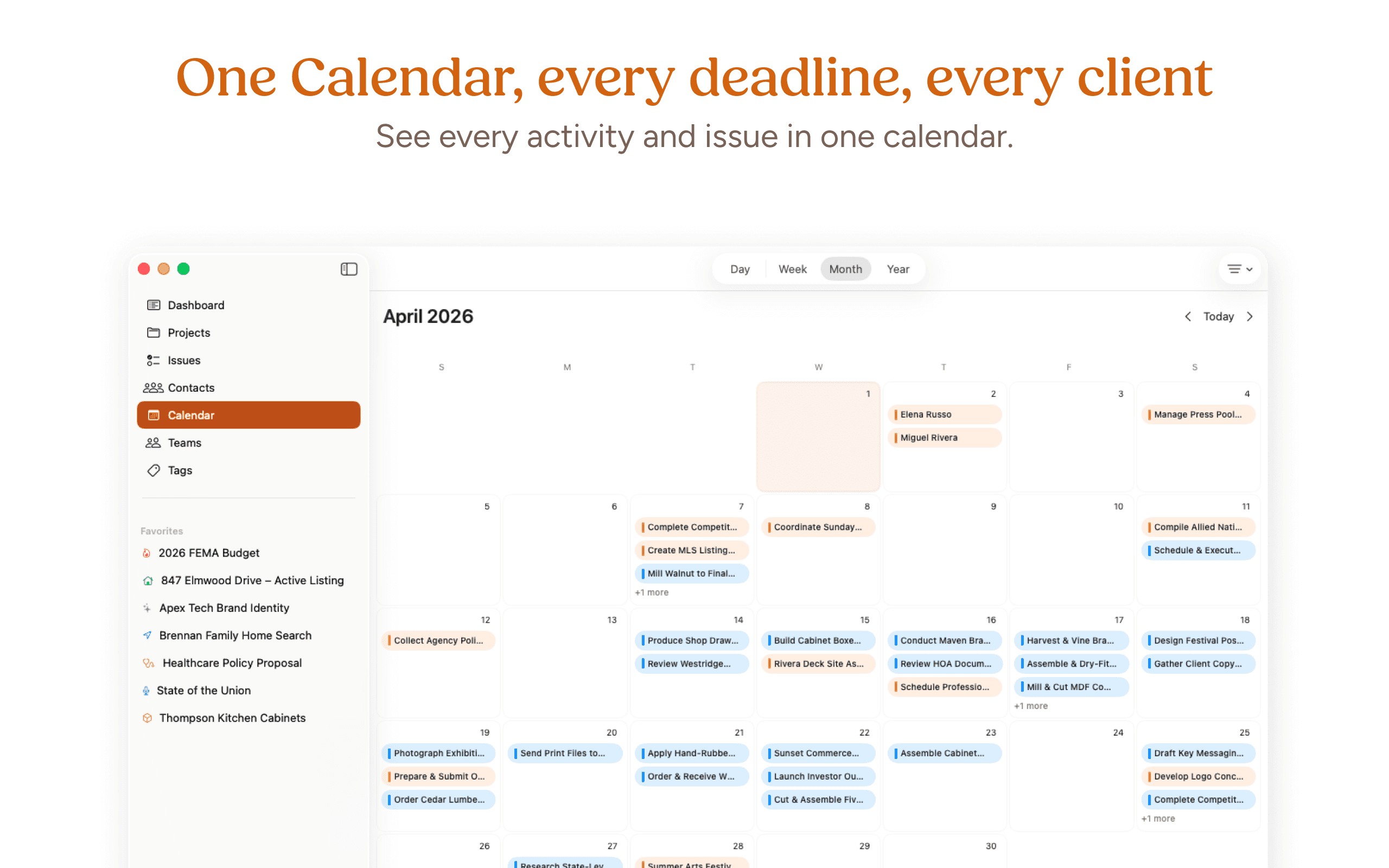
Use the Calendar to see every client interaction, project issue, and more at a glance. The last time you called, the last project due date - it's all on the calendar.
Favorites
Pin your most active projects and clients in the sidebar or filter. The projects and people you're working with right now are always one tap away.
WHO IT'S FOR
One tool. A lot of different kinds of work.
Built for those of us who keep people and projects moving.
DESIGNER
You're juggling three active clients and two proposals in progress. Before a check-in call, you open Clients. Last conversation, current project status, and the follow-up you set two weeks ago, all in one view. You're ready in 30 seconds.
REAL ESTATE AGENT
A past client texts about buying again. You pull up their record: three years of history, their preferences, a note you left about their timeline. You reply like you never missed a beat.
TAX PRO
A client wrapped up in April and said to reach out before year-end. You set a follow-up and moved on. November comes, Clients reminds you. You're in their inbox before they start looking for someone new.
HOA
A homeowner calls about a roof repair that's been open since spring. You pull up their record: the contractor you contacted, the follow-up you missed, the note you left yourself. You've got it handled.
STUDENT
Office hours are in ten minutes. You open Clients: last conversation with your professor, the feedback from your draft, the question you told yourself to ask. You walk in prepared.
CONTRACTOR
You finish a job in June and the client mentions they want a deck built in the spring. You log it and move on. March comes, Clients reminds you. You're the first call they make.